
Kuvaus
Embed Meetings, Host Webinars, and Video Conferences – All from Your Dashboard
FlexMeeting is built on the Jitsi platform and enables hosting live webinars, meetings, conferences, online classes, and video calls directly on your website.
Let’s grow, connect, and thrive together!
- 🤝 Join Our Facebook Community
- 🌐 Follow Us on X (Twitter)
- 🎥 Subscribe on YouTube
- 👍 Like Our Facebook Page
👁️ View Demo | 🚀 Get Premium | 🤝 Join Our Facebook Community
Easily create, manage, and promote webinars without leaving your site. Customize sessions to match your website’s look and feel.
Built-in post type, shortcodes, Elementor widgets, and Gutenberg blocks let you create webinars without coding. With front-end meeting creation, users can set up and manage sessions directly from the front end.
FlexMeeting integrates with WooCommerce, LMS plugins, multivendor tools, email tools, and booking plugins. It provides a streamlined video-conference workflow without requiring coding.
You can turn a meeting into a webinar landing page. Whiteboard integration helps you draw, brainstorm, and collaborate visually. You can also embed webinars anywhere on your site.
FlexMeeting Pro offers JaaS integration for a branded experience with a custom domain, letting you create unique URLs that match your business.
FlexMeeting integrates with WooCommerce, LearnPress, LearnDash, and Tutor LMS, supporting up to 500 participants, livestreaming, transcription, and recording (requires a JaaS 8×8 subscription).
Calendar integration is available for Google, Outlook, and Apple Calendar.
You can install the plugin and start meetings without extra sign-in steps. Configure your video frame dimensions and begin — suitable for users of varying technical skill levels.
HD video, screen sharing, whiteboard, and collaboration features are supported across devices.
🎁 Free Features
-
Meeting without time-limit – Host sessions without strict duration limits. Using 8×8-hosted domains gives 2 hours per meeting, automatically renewing afterward.
-
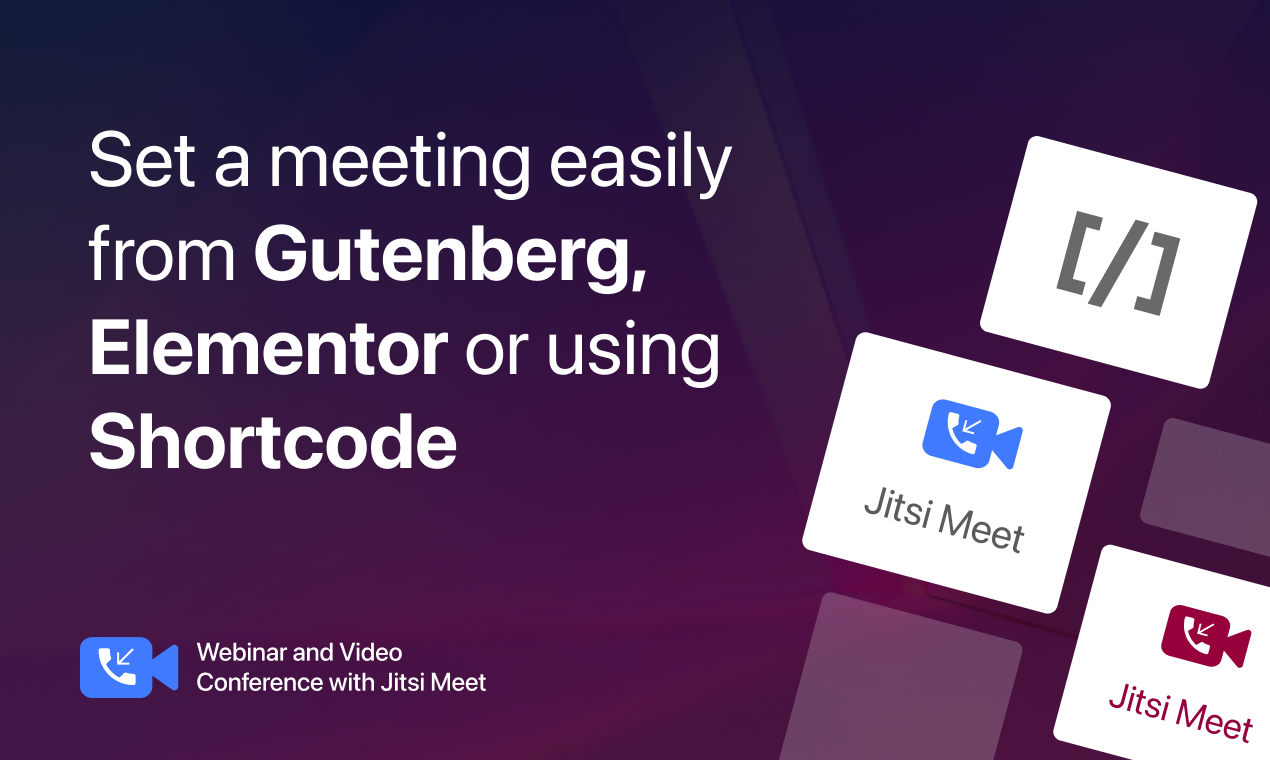
Meeting Gutenberg block – Create conferences or calls with the built-in block.
-
Elementor widget – Create meetings using shortcode within Elementor.
-
Meeting Shortcode – Shortcodes available for embedding and creating meetings.
-
Meeting name customization – Personalize webinar names for easier recognition.
-
Mute meeting – Mute or unmute audio as needed.
-
Screen sharing – Hosts and participants can share screens.
-
Unlimited meetings – Host as many sessions as required.
-
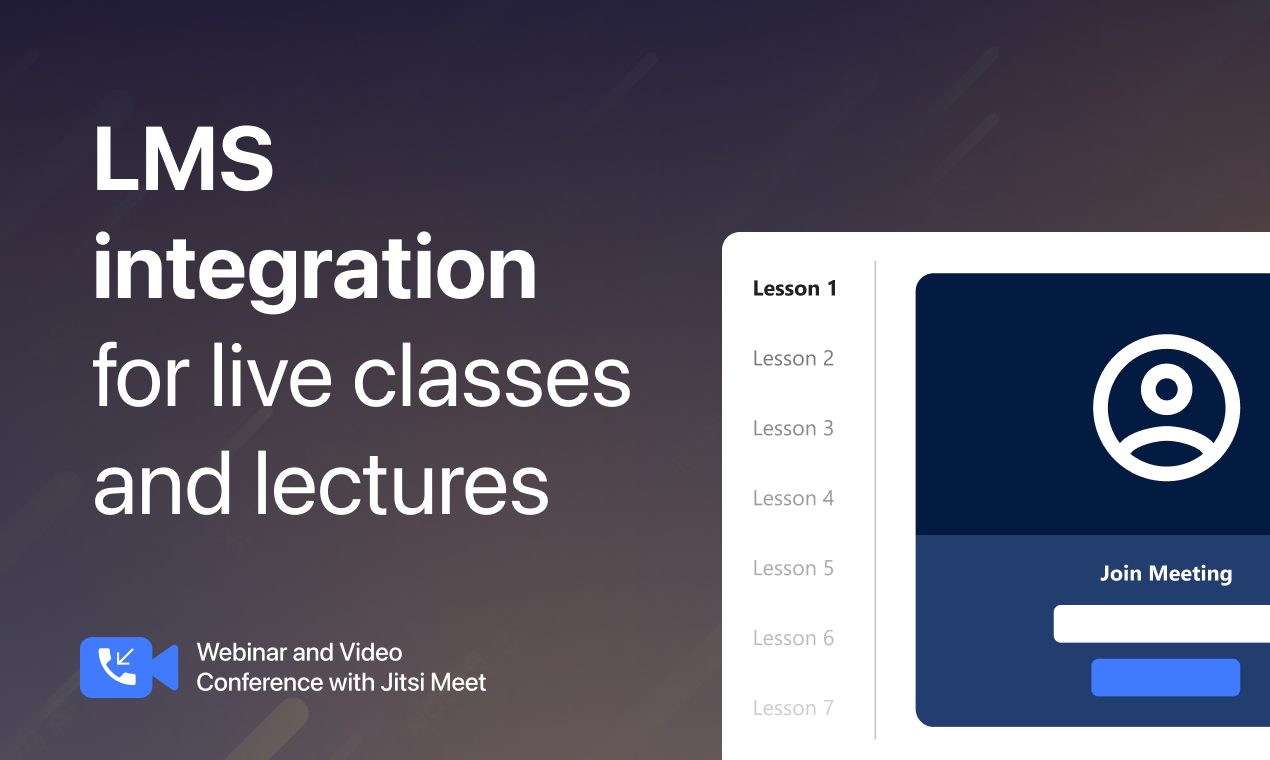
LMS integration – Use LearnDash or similar LMS plugins to add meetings to courses.
-
Multisite support – Access features across multisite networks.
👁️ View Demo | 🚀 Get Premium | 🤝 Join Our Facebook Community
🔥 Pro Features
-
Custom domain – Create a branded meeting URL for your website.
-
Meeting post type – Embed created meetings as posts.
-
Meeting scheduling – Schedule sessions at specific times and run multiple events simultaneously.
-
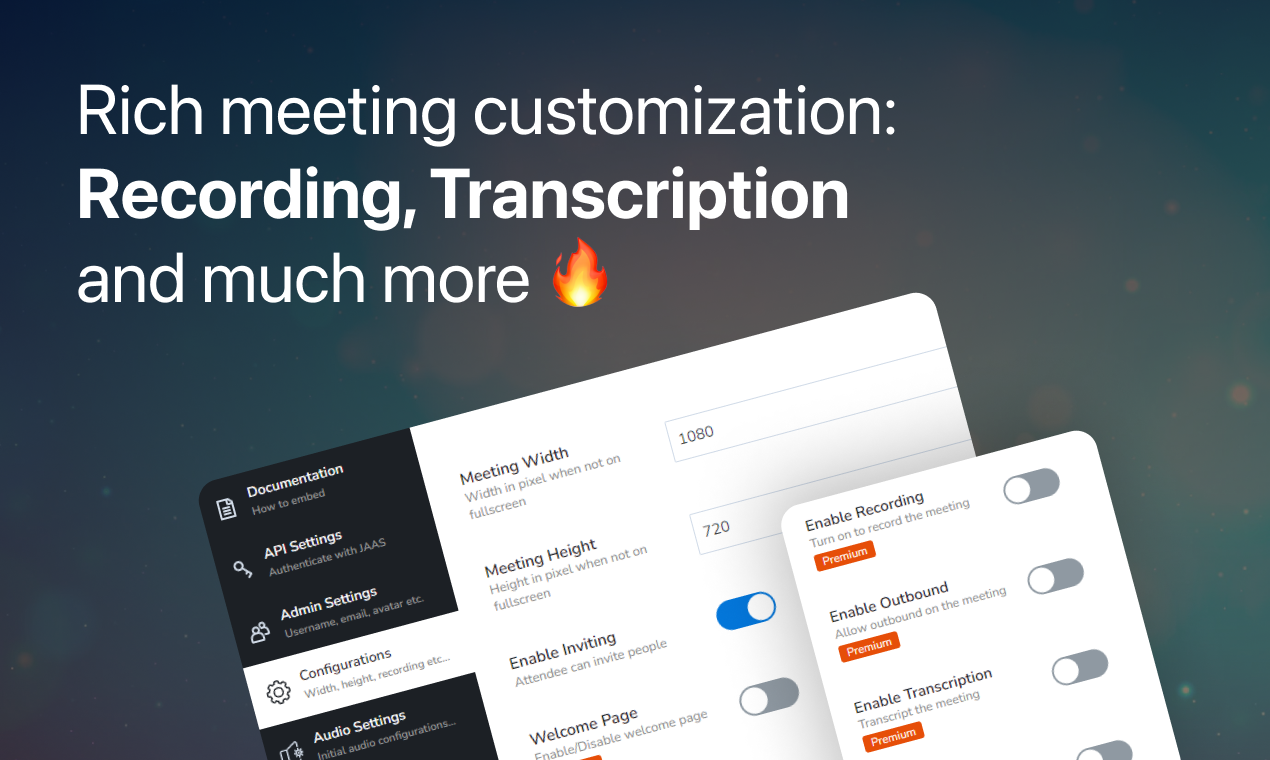
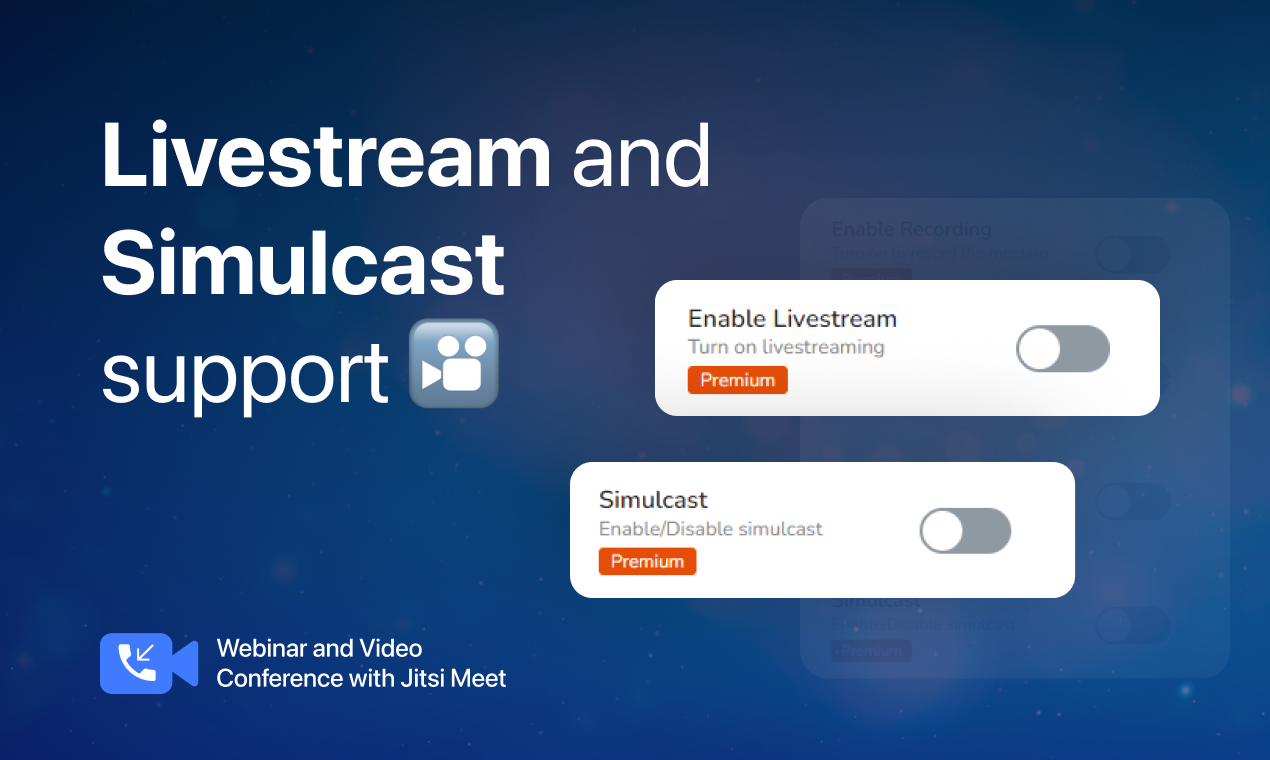
Livestream, recording, transcription – Record, stream, or auto-transcribe meetings (requires JaaS 8×8 Premium).
-
Whiteboard integration – Draw or illustrate during meetings.
-
Calendar integration – Sync meetings with Google, Outlook, and Apple Calendar.
-
Meeting registration – Allow only registered participants to join.
-
Recurring meeting – Reuse the same meeting ID and settings.
-
Hide sidebar – Option to hide meeting-details menu.
-
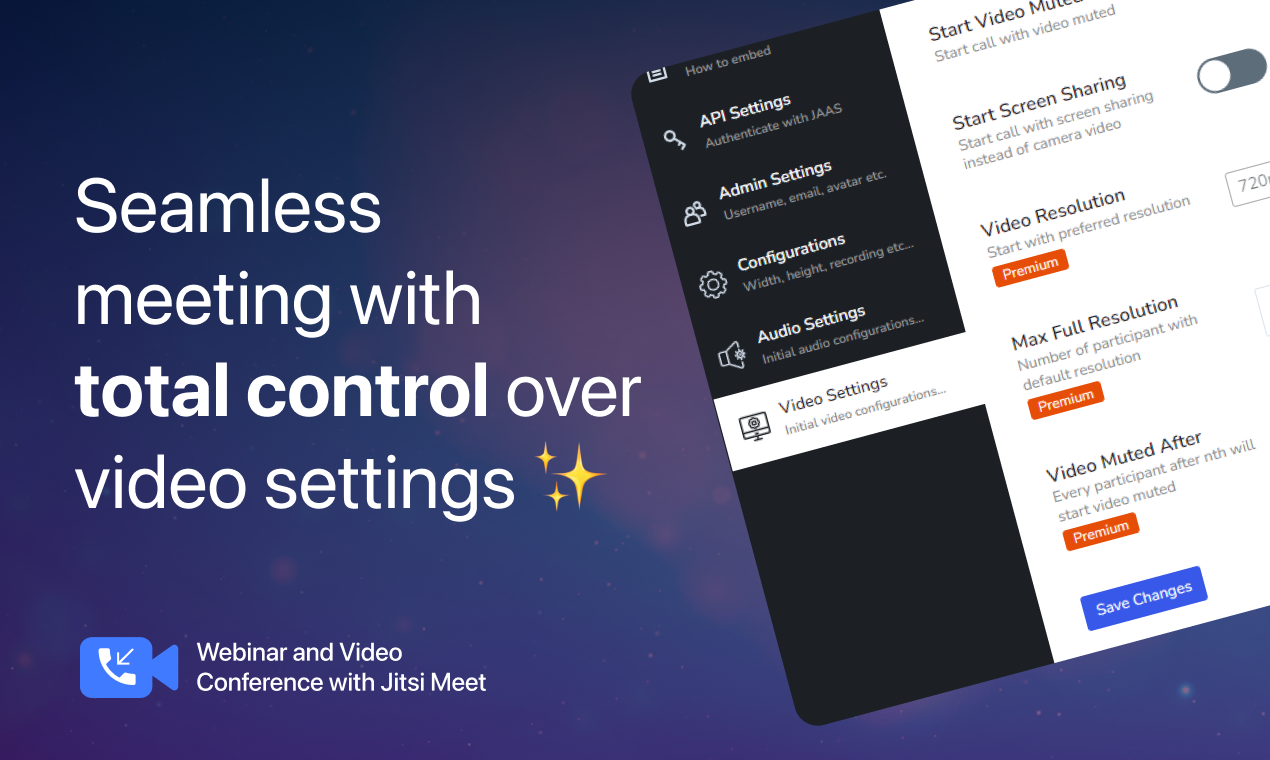
Video-resolution control – Start meetings in preferred resolution (720p–1440p+).
-
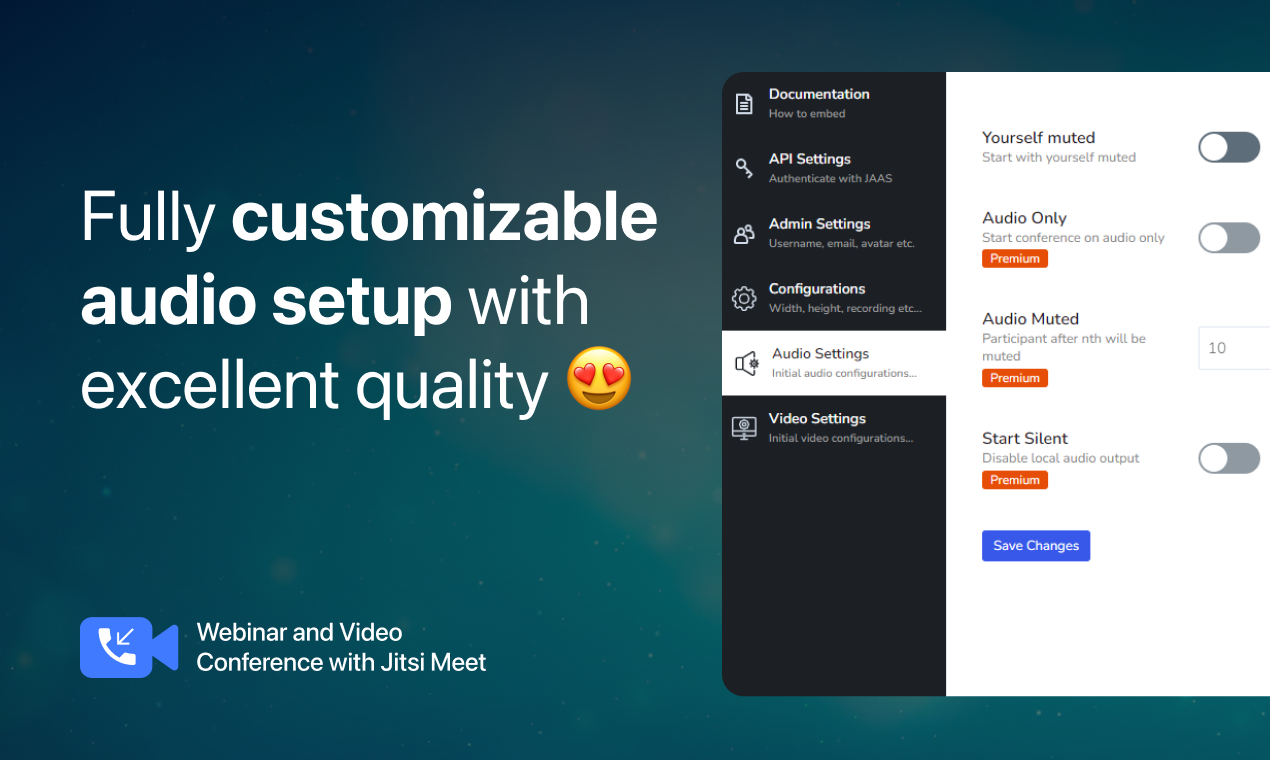
Advanced customization – Start calls muted or set participant thresholds.
👁️ View Demo | 🚀 Get Premium | 🤝 Join Our Facebook Community
💪 FlexMeeting Ultimate Features
-
All Pro Features
-
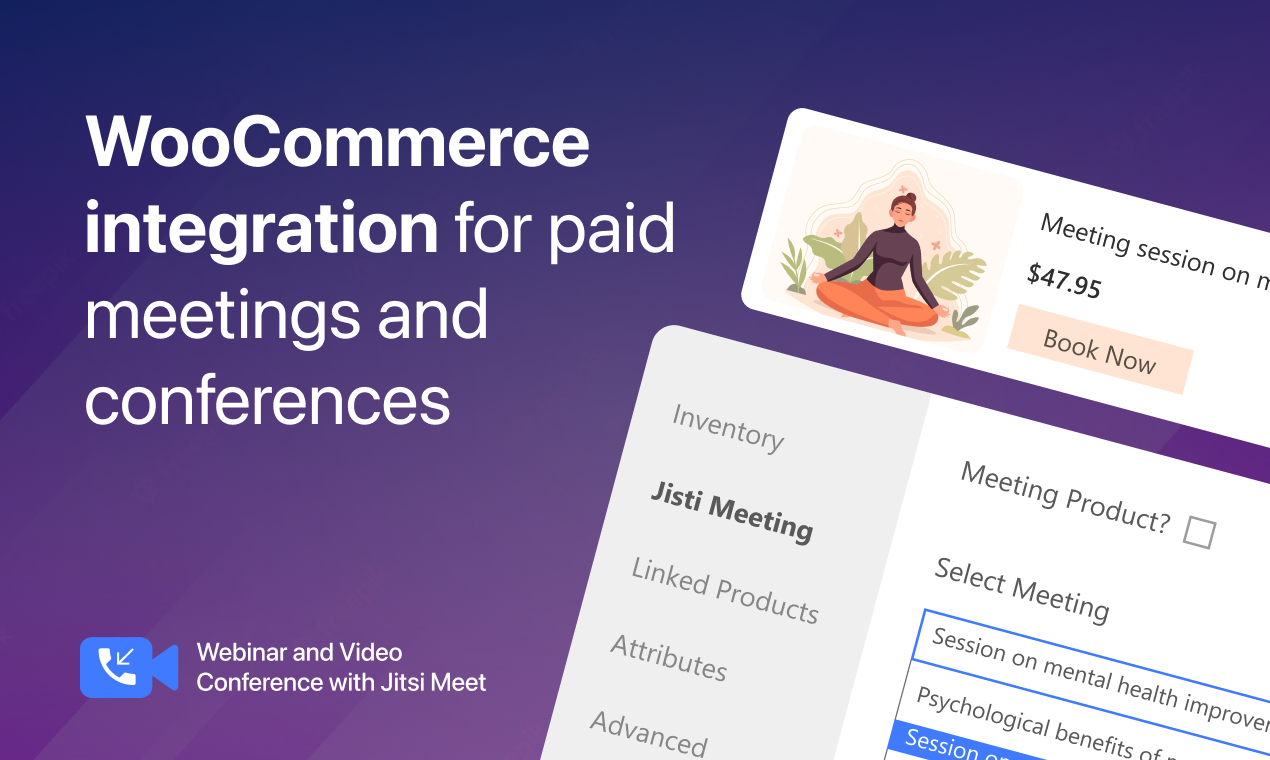
WooCommerce integration – Link video conferencing to WooCommerce products.
-
BuddyPress integration – BuddyPress group members can join rooms anytime.
-
Front-end meeting creation – Create and manage meetings from the front end.
-
Integration with LearnPress and Tutor LMS – Add video meetings to virtual classrooms.
-
Integration with multivendor marketplaces – Create and sell video meetings from vendor dashboards.
-
Integration with booking plugins – Automate bookings and send meeting links.
-
Integration with email-marketing tools (upcoming) – Add registrants to tools like Mailchimp or Zapier.
👁️ View Demo | 🚀 Get Premium | 🤝 Join Our Facebook Community
Some premium features (recording, transcription, streaming) require a JaaS subscription.
FlexMeeting works as a bridge between your site and Jitsi services to provide meeting functionality within your dashboard.
FlexMeeting Multivendor Addon (Ultimate) 🔥
If you run a marketplace, this addon lets vendors create and sell webinars from their dashboard. Each vendor can create and customize webinars and sell them as products.
Currently supports Dokan Multivendor, WCFM Marketplace, and MultiVendorX.
- How to create meetings in Dokan Multivendor
- How to create meetings in WCFM Marketplace
- How to create meetings in MultiVendorX
👁️ View Demo | 🚀 Get Premium | 🤝 Join Our Facebook Community
How to use as a Gutenberg block?
- On the post/page edit screen, click the Gutenberg plus icon.
- Add ”Jitsi Meet” from the ”Embeds” category.
- Set width and height.
How to use as a shortcode?
Use the shortcode:
[jitsi-meet-wp name=”YourWebinarName” width=”700″ height=”640″/]
🔥 More Awesome Plugins
If you like FlexMeeting, consider exploring our other projects.
-
🌓 WP Dark Mode: Use WP Dark Mode plugin to create a stunning dark version for your WordPress website. WP Dark Mode works automatically without going into any complicated settings.
-
🟢 FlexTable – Sheets To WP Table Live Sync: Google Sheets allows you to input data on your Google sheet and show the same data on WordPress as a table effortlessly. Try Flex Table now!
-
💬 FormyChat: Connect Form to Chat Apps with Contact Form 7, WPForms, Gravity Form | Welcome Popup & Multi-agent Live Chat
-
🔄 FlexStock – Stock Sync with Google Sheet for WooCommerce: Auto-sync WooCommerce products from Google Sheets. Flex Stock is an easy, powerful, and simple inventory management system to handle your WooCommerce products.
-
🛒 FlexOrder – Order Sync with Google Sheet for WooCommerce: Manage WooCommerce orders from Google Sheets. WooCommerce order sync, e-commerce order management, and sales order management with Google Sheets. Try Flex Order now!
-
🎁 EchoRewards: With Echo Reward, you can refer a friend for WooCommerce to launch your customer referral program. Echo Rewards Referral Plugin is a WooCommerce referral plugin to boost your sales. Generate coupons, reward customers, and launch the ideal refer-a-friend program for your store.
Privacy Policy
FlexMeeting uses Appsero SDK to collect some telemetry data upon user’s confirmation. This helps us to troubleshoot problems faster & make product improvements.
Appsero SDK does not gather any data by default. The SDK only starts gathering basic telemetry data when a user allows it via the admin notice. We collect the data to ensure a great user experience for all our users.
Integrating Appsero SDK DOES NOT IMMEDIATELY start gathering data, without confirmation from users in any case.
Learn more about how Appsero collects and uses this data.
External services
This plugin connects to the following third-party/external services to provide its core meeting functionality and, where noted, optional telemetry:
1. Jitsi Meet server (default: meet.jit.si)
This plugin embeds a Jitsi Meet video conferencing session in your site. By default it connects to the free public server meet.jit.si. If you select the Branded/JaaS mode, it connects to 8×8’s JaaS service instead (see #3 below). Meeting participant names/emails (if logged in) and meeting metadata are sent to whichever Jitsi server is configured, every time a meeting is loaded.
Terms of Service: https://jitsi.org/meet-jit-si-terms-of-service/
Privacy Policy: https://jitsi.org/meet-jit-si-privacy/
2. Jitsi Hosted (jitsihosted.app) — used only in ”Hosted Subdomain” API mode
When the plugin’s ”Hosted Subdomain” connection mode is selected, it sends requests to jitsihosted.app to generate and verify meeting JWT tokens and to check server status. Data sent includes the WordPress user’s display name, email address, WordPress user ID, meeting room name, and moderator status, at the time a meeting is created or a connection test is run.
Terms of Service: https://wppool.dev/flexmeeting-terms-of-service/
Privacy Policy: https://wppool.dev/flexmeeting-privacy-policy/
3. 8×8 JaaS (8×8.vc) — used only in ”Branded”/JaaS API mode
When the plugin’s Branded/JaaS connection mode is selected, it loads the 8×8 JaaS external meeting API script (https://8x8.vc/external_api.js) to embed the meeting interface. Meeting participation data is exchanged directly between the visitor’s browser and 8×8’s service.
Terms of Service: https://www.8×8.com/terms-and-conditions
Privacy Policy: https://www.8×8.com/legal/privacy-policy
4. Appsero — optional, opt-in telemetry only
See the Privacy Policy section above. Only active if you explicitly opt in via the admin notice. When active, Appsero also uses icanhazip.com solely to determine the site’s public IP address as part of the telemetry payload.
Privacy Policy: https://appsero.com/privacy-policy/
5. WPPOOL (fluent.wppool.dev) — optional, opt-in only
If you opt in via the plugin’s data-sharing admin notice, your name and email address are sent to WPPOOL’s CRM system so we can follow up about your use of the plugin. Not active unless you submit this opt-in form.
Terms of Service: https://wppool.dev/flexmeeting-terms-of-service/
Privacy Policy: https://wppool.dev/flexmeeting-privacy-policy/
Kuvankaappaukset

Blocks
This plugin provides 1 block.
- Jitsi Meet
Asennus
- Go to your WordPress Dashboard.
- Navigate to Plugins > Add New.
- Search for FlexMeeting – Webinar & Meeting Plugin for Jitsi Meet.
- Click Install and Activate.
UKK
-
How quickly can I get started?
-
Activate the plugin on your site and begin within minutes. Watch this Video.
-
Does the plugin support Gutenberg and Elementor?
-
Yes, you can create meetings as Gutenberg blocks and Elementor widgets using the FlexMeeting plugin.
-
Is there any shortcode?
-
Yes. With the shortcode
[jitsi-meet-wp/], you can embed a meeting where Gutenberg is not available. -
Can I create a custom domain?
-
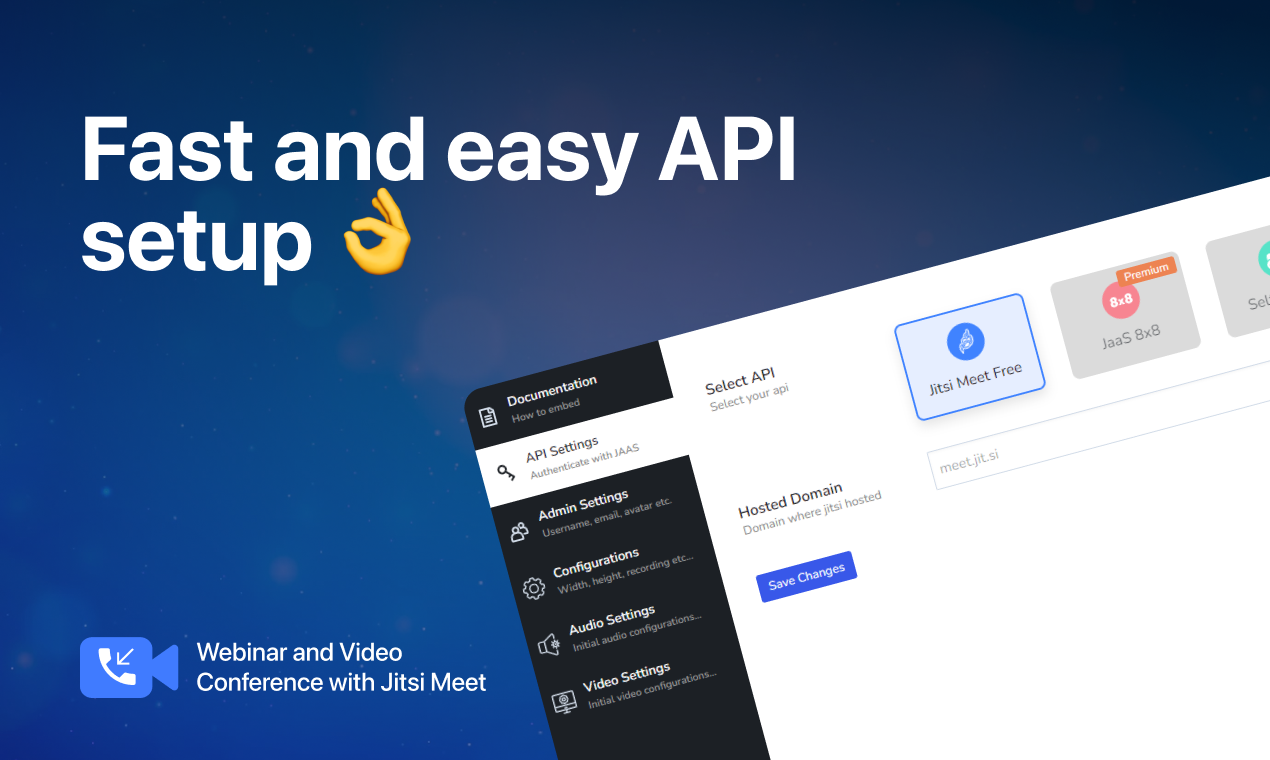
You can create a branded meeting URL using the custom domain feature available through JaaS. Self-hosted Jitsi domain support is available in FlexMeeting Ultimate.
-
Is FlexMeeting safe?
-
The plugin uses Jitsi Meet which provides encrypted communication, and FlexMeeting works with those features to help maintain privacy while hosting online meetings.
-
I want a refund for my purchase of the plugin. What is the procedure?
-
We have a 14-day refund policy. Please email support@wppool.dev explaining why you would like a refund.
-
What is Frontend Meeting Creation?
-
It allows users to create and manage meetings directly from the front end—no admin access or technical steps required.
-
What does the Whiteboard Integration do?
-
It enables visual collaboration by allowing participants to sketch, draw diagrams, and share ideas in real time during a meeting.
-
Can I use self-hosted Jitsi Meet with this plugin?
-
This plugin supports Jitsi free at https://meet.jit.si and JaaS at https://jaas.8×8.vc. Self-hosted Jitsi Meet support is available in FlexMeeting Ultimate, a separate plugin.
-
Can I use my branded logo and domain?
-
Yes. You can apply your own branding and domain when using JaaS. Self-hosted branding is available in FlexMeeting Ultimate.
-
Can I record the meeting?
-
Recording is available in the premium version of the plugin and also requires a JaaS 8×8 subscription.
-
How many active users do we have?
-
On the free version, you can have 25 monthly active users. JaaS Premium plans offer additional capacity (e.g., 300, 1500, or 3000 active users depending on the plan). JaaS may update their limits, and FlexMeeting acts as a bridge between your site and the Jitsi service.
Participants are generally limited to 500 per meeting on JaaS; to increase this limit, you must upgrade your JaaS plan.
Self-hosting has no fixed meeting limit—it depends on your server resources. Jitsi suggests around 75 participants for stable performance, but higher numbers may be possible with sufficient infrastructure.
-
Where will my meeting recordings be stored?
-
Recordings can be stored on Dropbox when using JaaS Premium. JaaS may use its own connected storage services. Recording requires a JaaS 8×8 subscription.
-
Can I do live streaming?
-
Yes. Live streaming to platforms like YouTube is supported when using the appropriate JaaS plan.
Arvostelut


Avustajat & Kehittäjät
“FlexMeeting – Webinar & Meeting Plugin for Jitsi Meet” perustuu avoimeen lähdekoodiin. Seuraavat henkilöt ovat osallistuneet tämän lisäosan kehittämiseen.
Avustajat


“FlexMeeting – Webinar & Meeting Plugin for Jitsi Meet” has been translated into 8 locales. Kiitoksia kääntäjille heidän työstään.
Käännä “FlexMeeting – Webinar & Meeting Plugin for Jitsi Meet” omalle kielellesi.
Oletko kiinnostunut kehitystyöstä?
Browse the code, check out the SVN repository, or subscribe to the development log by RSS.
Muutosloki
2.9.6 – 18 Aug 2026
- Improvement: Maintenance and security update.
2.9.5 – 09 Aug 2026
- Improvement: Maintenance and security update.
2.9.4 – 30 Jun 2026
- Fix: Fixed meeting iframe responsiveness on mobile for the shortcode, Gutenberg block, and Elementor widget.
2.9.3 – 24 Jun 2026
- Fix: Minor bug fixes and enhancements
2.9.2 – 03 Jun 2026
- Improvement: Enhanced compatibility to support WordPress 7.0
2.9.1 – 18 May 2026
- New: Added ”Moderator Access” configuration option to meeting settings, allowing choice between global inheritance, custom role lists, or restricting access to the host only
- Improvement: Introduced global ”Allow Moderator Access For” setting to define default user roles authorized to join meetings as moderators
2.9.0 – 06 May 2026
- New: Introduced automated email reminders for recurring meetings, sending notifications to registered participants before each occurrence via WP-Cron
- New: Added a manual ”Send Reminder Email” action, allowing hosts to send on-demand reminders to registered attendees from admin, frontend, and multivendor interfaces
- New: Enabled multi-day weekday selection for weekly recurring meetings, allowing multiple days (e.g., Mon, Wed, Fri) within a single meeting
- New: Added support for ”Repeat every N weeks” intervals in weekly recurring meetings, including bi-weekly, tri-weekly, and custom schedules
- Improvement: Enhanced email template design for better layout and readability
- Improvement: Enhanced login and registration forms for ”Should Register” flow, improving usability and user experience
2.8.2 – 08 Apr 2026
- New: Seamless Integration with MarketKing Multivendor
- Improvement: Enhanced the managed branded meeting connection flow
2.8.1 – 24 Mar 2026
- Improvement: Introduced multilingual support.
- Improvement: Enhanced Settings API UI for better user experience.
2.8.0 – 09 Mar 2026
- New: Revamped API Settings interface for a cleaner and more intuitive configuration experience.
- New: Introduced Managed Branded Meeting feature for easier branded meeting management. 🚀
2.7.9 – 09 Dec 2025
- Improvement: Regular maintenance & enhancement update
2.7.8 – 24 Nov 2025
- Improvement: Regular update & maintenance release
2.7.7 – 20 Oct 2025
- Improvement: Updated top bar CTA and button text.
2.7.6 – 15 Jul 2025
- New: Introduced a new Hosted Solution section for enhanced deployment options
- New: Added a top bar banner to promote the Hosted Solution feature
- Fix: General bug fixes and stability improvements
- Improvement: UI and experience enhancements for the settings interface
2.7.5 – 17 Jun 2025
- Fix: Resolved issue where popup was not displayed when clicking on a disabled field
- Fix: Addressed issue where certain fields were not being properly disabled
2.7.4 – 30 Apr 2025
- Fix: WCFM users were unable to create bookable meetings through booking integratio
- Fix: Jitsi Meet integration failed when logging into meetings for WooCommerce products linked to Tutor LMS courses
- Fix: Meetings embedded using Elementor displayed a broken interface along with error notices
- Improvement: Enhanced UI/UX for the frontend meeting interface
- New: Added support for editing meetings from the frontend
- New: Frontend meeting creation now includes all configuration settings available in the admin area
For older changelog entries, please see the additional changelog.txt file delivered with the plugin.