
Kuvaus
Lunacal allows you to efficiently manage and maintain your calendar.
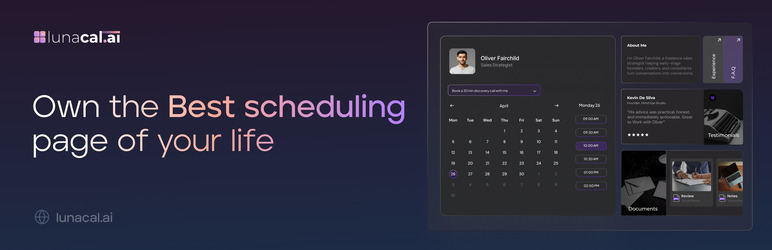
Embed your branded booking experience directly in WordPress using a simple shortcode.
Features
- Add Lunacal booking calendar to any WordPress page/post with a simple shortcode.
- Customize your booking appearance via your Lunacal dashboard.
- Supports multiple booking links per site.
- Mobile-responsive embed.
Shortcode
[lunacal url=username/meetingid]
url— (required) The partial path to your booking calendar.
Blocks
This plugin provides 1 block.
- Lunacal Embed
Asennus
- Install the plugin via WordPress dashboard or upload the ZIP file directly.
- Activate the plugin.
- Paste the embed shortcode in a page or post.
- Shortcode format: [lunacal url=username/meeting-name]
- Format:
username/meeting-name
Example: Forhttps://lunacal.ai/john/demo, usejohn/demoin the shortcode.
So the shortcode becomes: [lunacal url=john/demo] - Voila now you have the calendar embedded on your wordpress site.
UKK
-
Can I use multiple shortcodes on the same page?
-
Yes. Each embed is isolated and loads independently.
-
Can I use the full Lunacal URL in the shortcode?
-
No, use only the path after the domain. For example:
john/demo. -
Where do I customize the appearance of my booking calendar?
-
Inside your Lunacal dashboard.
Arvostelut
There are no reviews for this plugin.
Avustajat & Kehittäjät
“Lunacal.ai” perustuu avoimeen lähdekoodiin. Seuraavat henkilöt ovat osallistuneet tämän lisäosan kehittämiseen.
Avustajat
Käännä “Lunacal.ai” omalle kielellesi.
Oletko kiinnostunut kehitystyöstä?
Browse the code, check out the SVN repository, or subscribe to the development log by RSS.
Muutosloki
1.0.0
- Initial release of the Lunacal WordPress embed plugin.