

Kuvaus
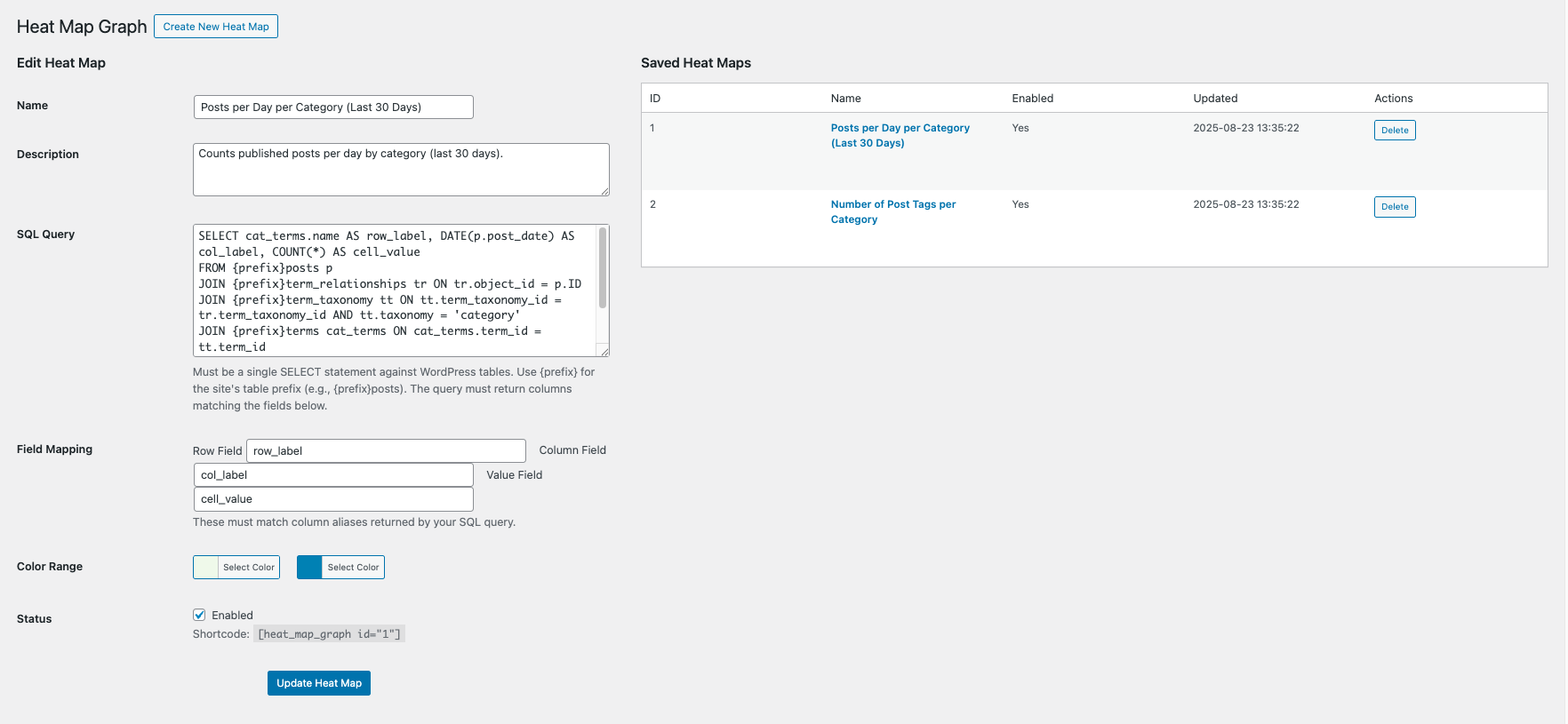
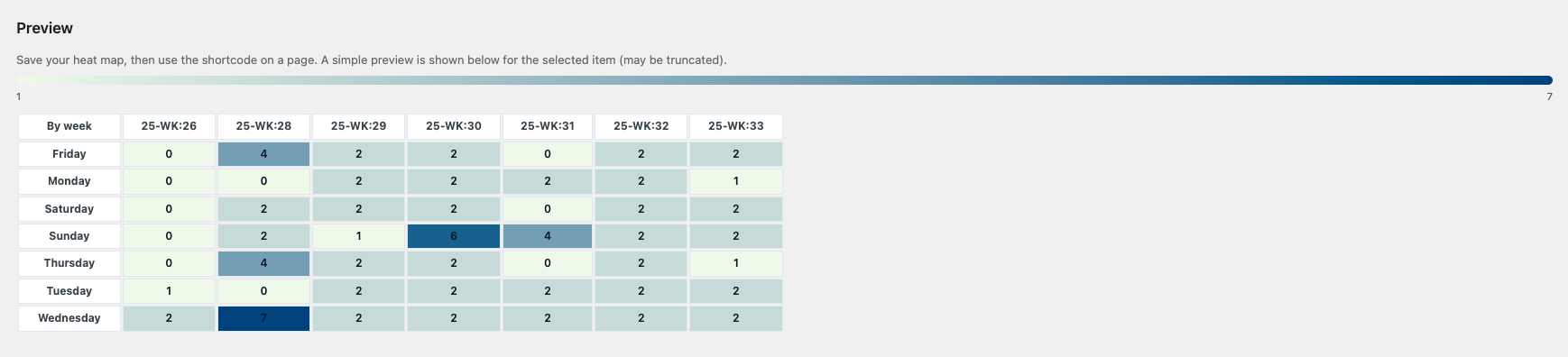
Heat Map Graph lets administrators build data heat maps backed by SQL SELECT queries on WordPress tables. Configure:
- Query: a single SELECT statement targeting WP tables
- Field mapping: row, column, and value fields produced by the query
- Color range: hex colors for min and max
- Status: enable/disable
Use the shortcode on pages/posts:
[heat_map_graph id="123"]
Security features:
– Validates SQL is a single SELECT against WP tables only
– Blocks DML/DDL keywords
– No multiple statements
– Admin-only UI with nonces and strict sanitization
On activation, two sample heat maps are created:
– Posts per Day per Category (Last 30 Days)
– Number of Post Tags per Category
Kuvankaappaukset
Asennus
- Upload the plugin folder
heat-map-graphto/wp-content/plugins/ - Activate the plugin
- Under Heat Map Graph in the admin menu, create a heat map or use samples
- Place the shortcode
[heat_map_graph id="<ID>"]where you want the heat map
UKK
-
Which tables can I query?
-
Only WordPress core tables, prefixed by your site’s
$wpdb->prefix. -
Can I pass parameters?
-
Use static queries or views; dynamic user input is not supported for security.
Arvostelut
There are no reviews for this plugin.
Avustajat & Kehittäjät
“Heat Map Graph” perustuu avoimeen lähdekoodiin. Seuraavat henkilöt ovat osallistuneet tämän lisäosan kehittämiseen.
Avustajat
Käännä “Heat Map Graph” omalle kielellesi.
Oletko kiinnostunut kehitystyöstä?
Browse the code, check out the SVN repository, or subscribe to the development log by RSS.
Muutosloki
1.0.0
- Initial release