
Kuvaus
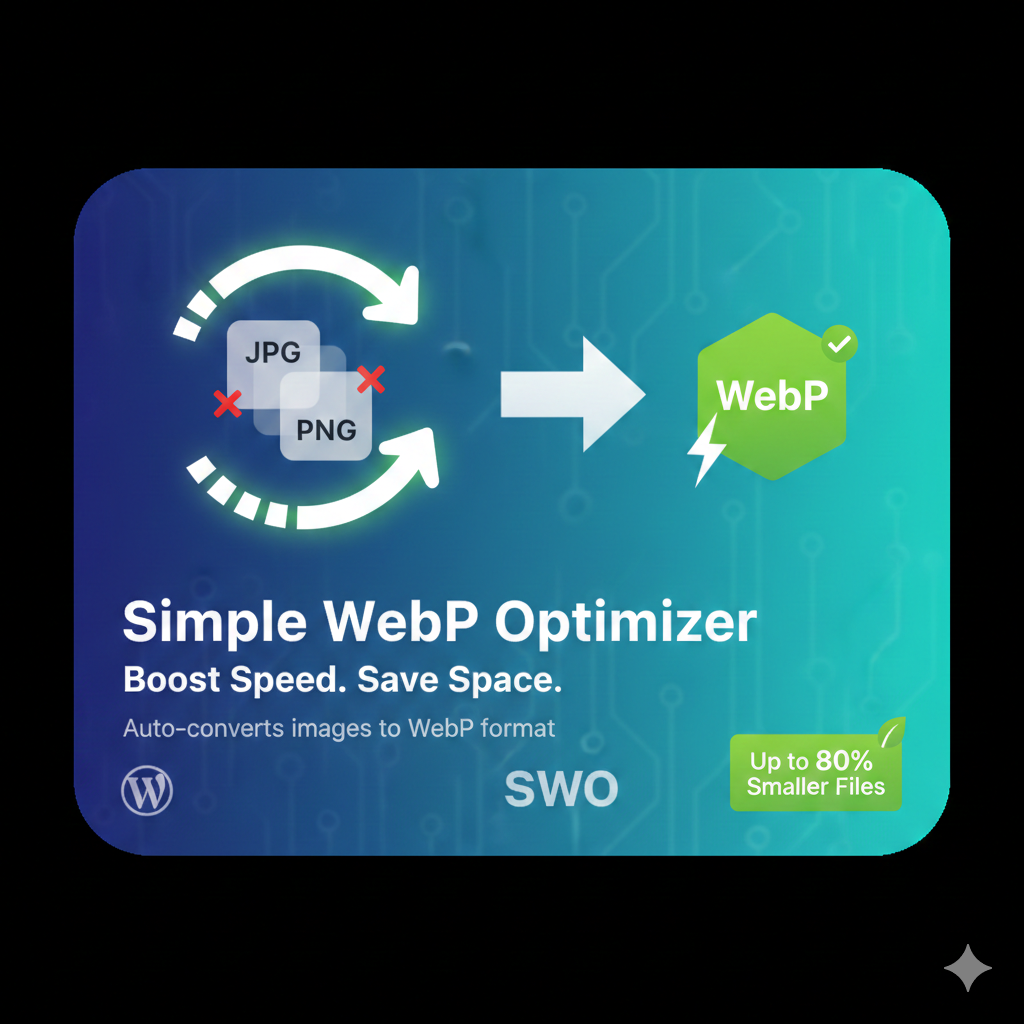
Automatically converts your JPEG and PNG uploads into Google’s WebP format. This plugin reduces image file sizes by up to 80% without sacrificing visual quality.
Asennus
- Upload the
simple-webp-optimizerfolder to the/wp-content/plugins/directory. - Activate the plugin through the ’Plugins’ screen in WordPress.
- Go to Settings -> WebP Optimizer to configure.
Arvostelut
There are no reviews for this plugin.
Avustajat & Kehittäjät
“Simple WebP Optimizer” perustuu avoimeen lähdekoodiin. Seuraavat henkilöt ovat osallistuneet tämän lisäosan kehittämiseen.
Avustajat
Käännä “Simple WebP Optimizer” omalle kielellesi.
Oletko kiinnostunut kehitystyöstä?
Browse the code, check out the SVN repository, or subscribe to the development log by RSS.
Muutosloki
2.0
- Initial public release with bulk optimization support.